New: Board · Desktop Manager · Cloud · PDF Guide

Your Desktop.
Everything in one place.

webzzz is a personal digital organizer for Windows — websites, apps, documents, board photos, tasks and all your cloud services. Local. Free. Portable.

Windows 10/11 · 64-bit · Portable EXE · No installation · No registration
📝 Meeting
Budget Q3…
🏔️
💡 Ideas
New UI…
🌅
🔍
▶️
🐙
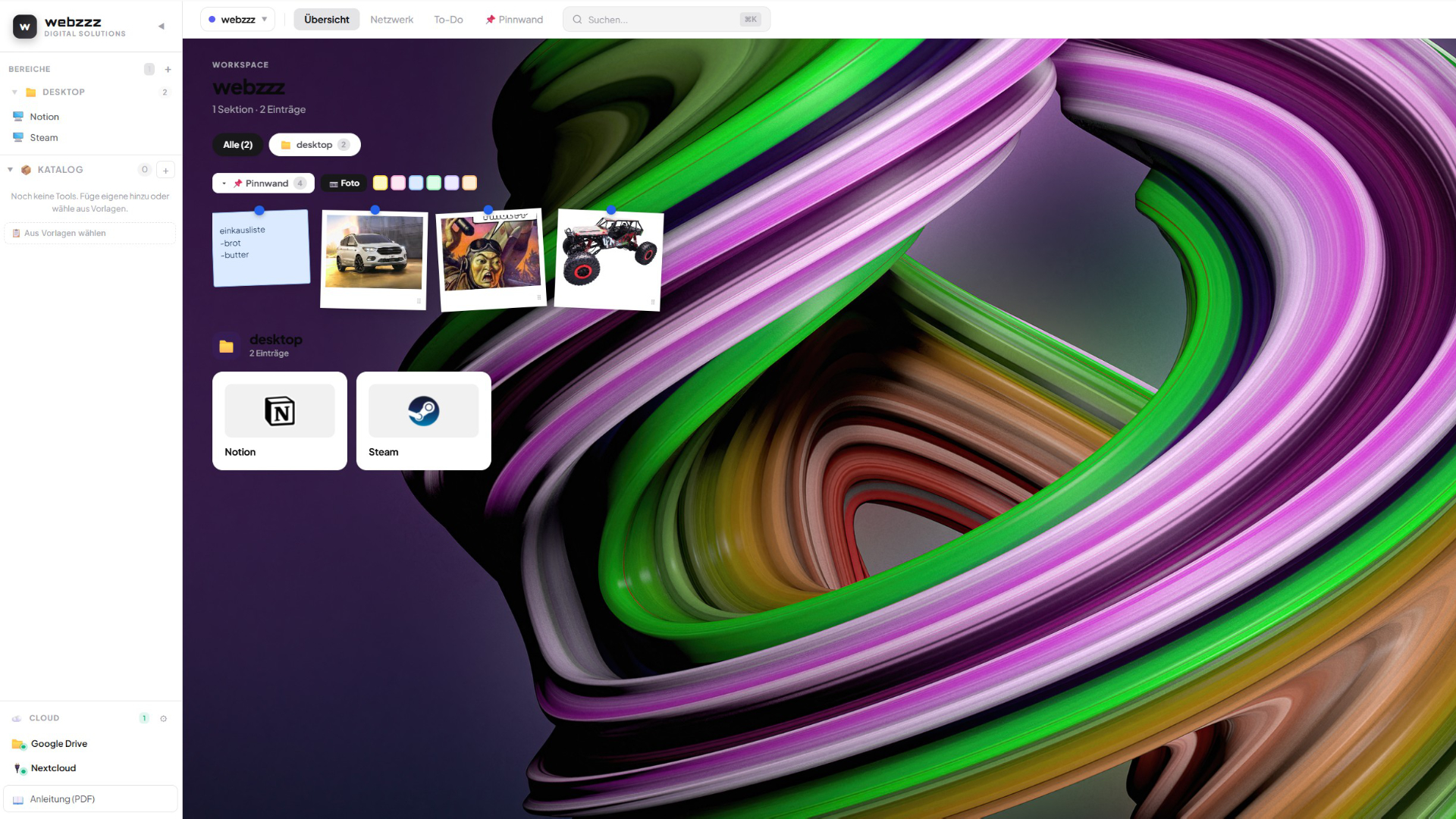
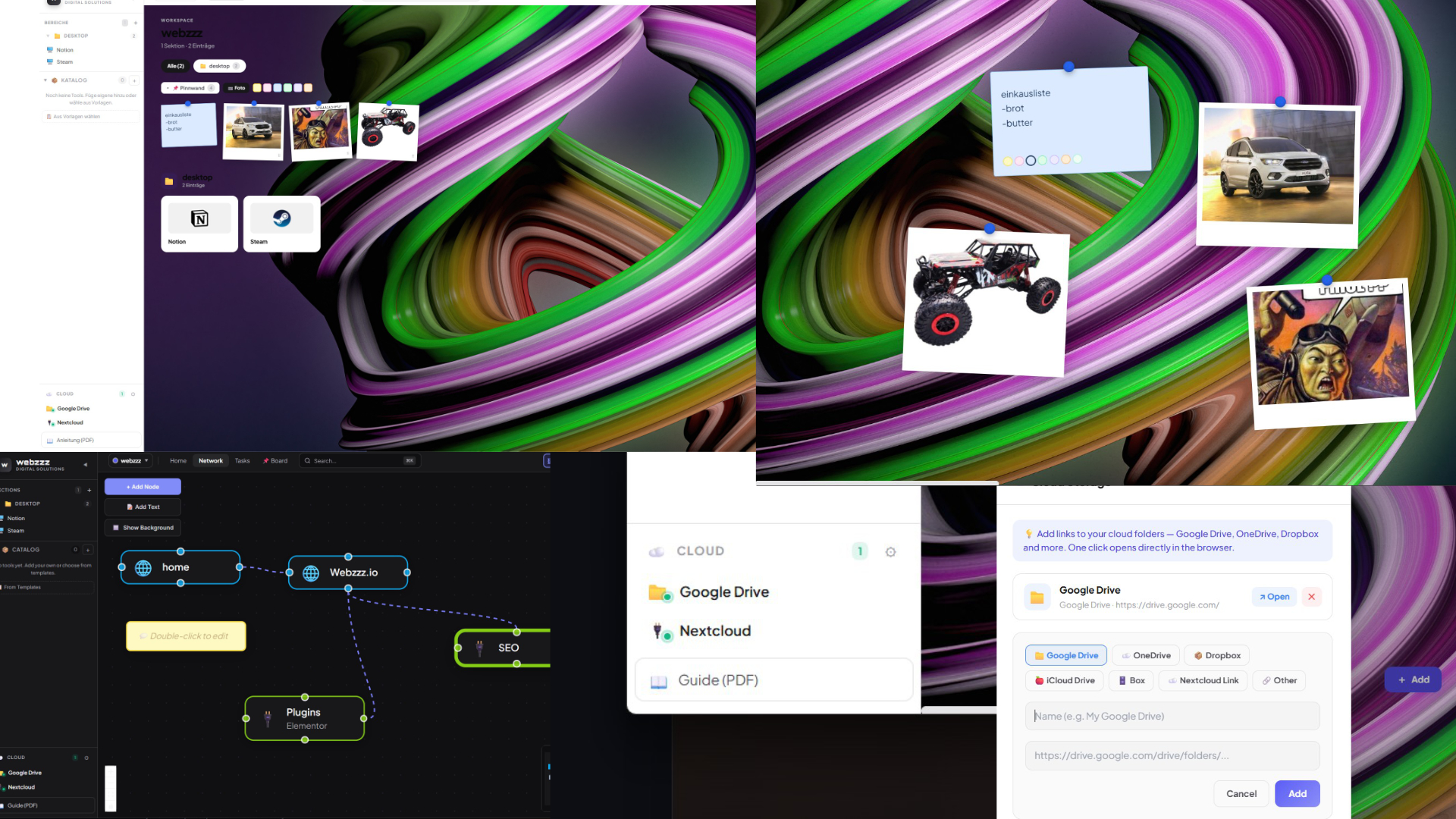
webzzz Home screenshot
Board
📌 Board — Notes & Polaroid Photos
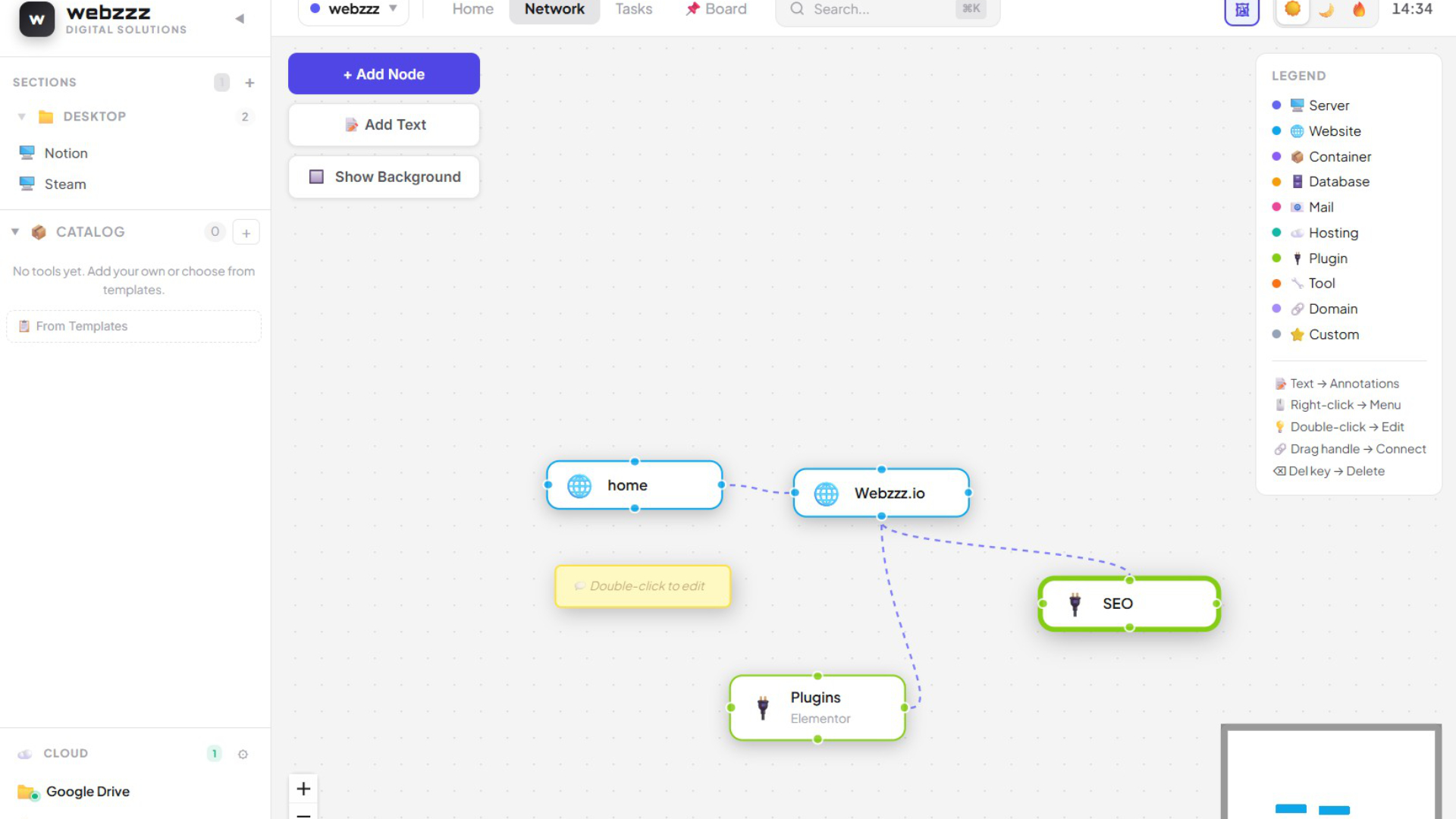
Network
🕸️ Network View
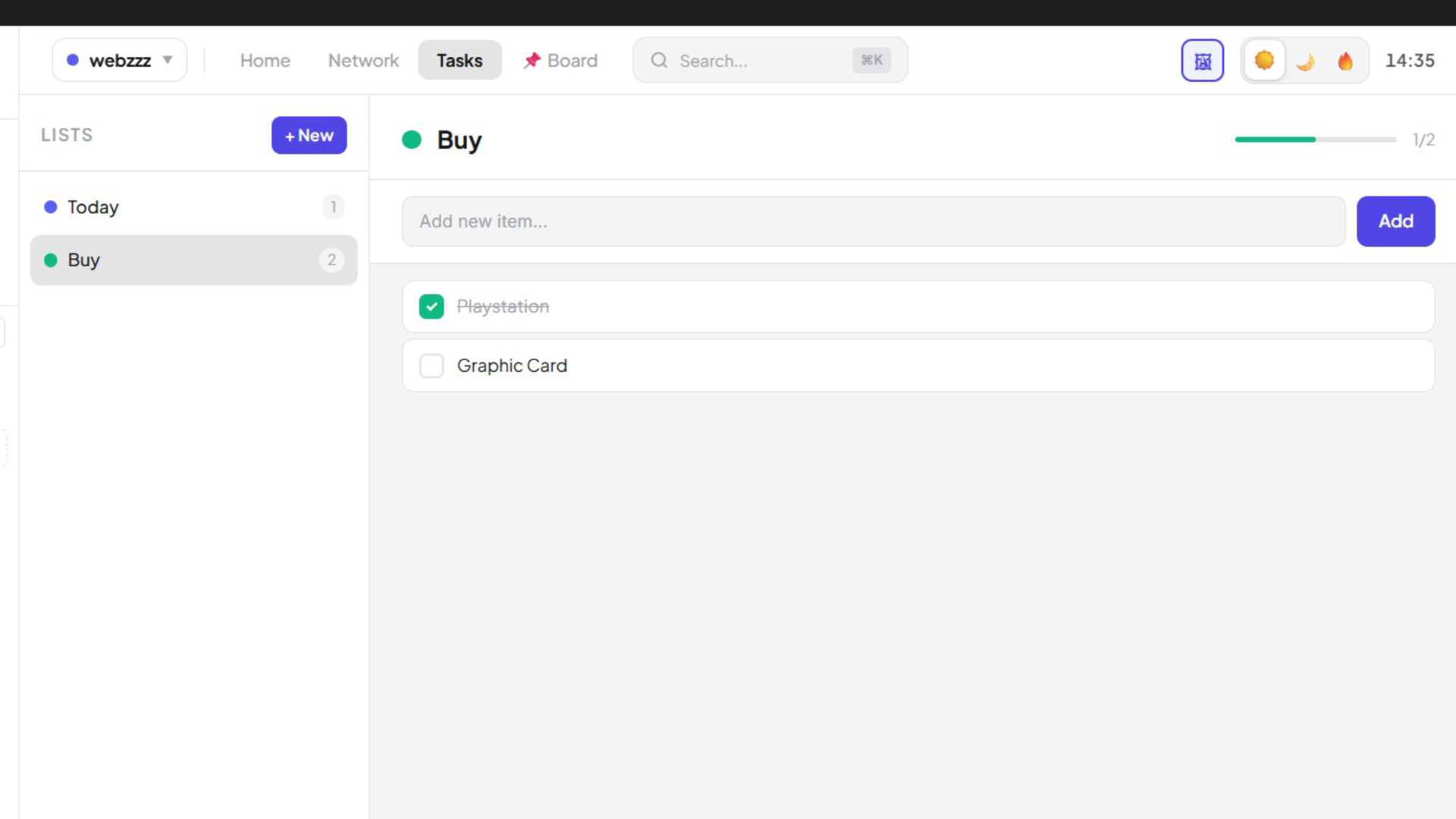
Tasks
✅ Task Lists
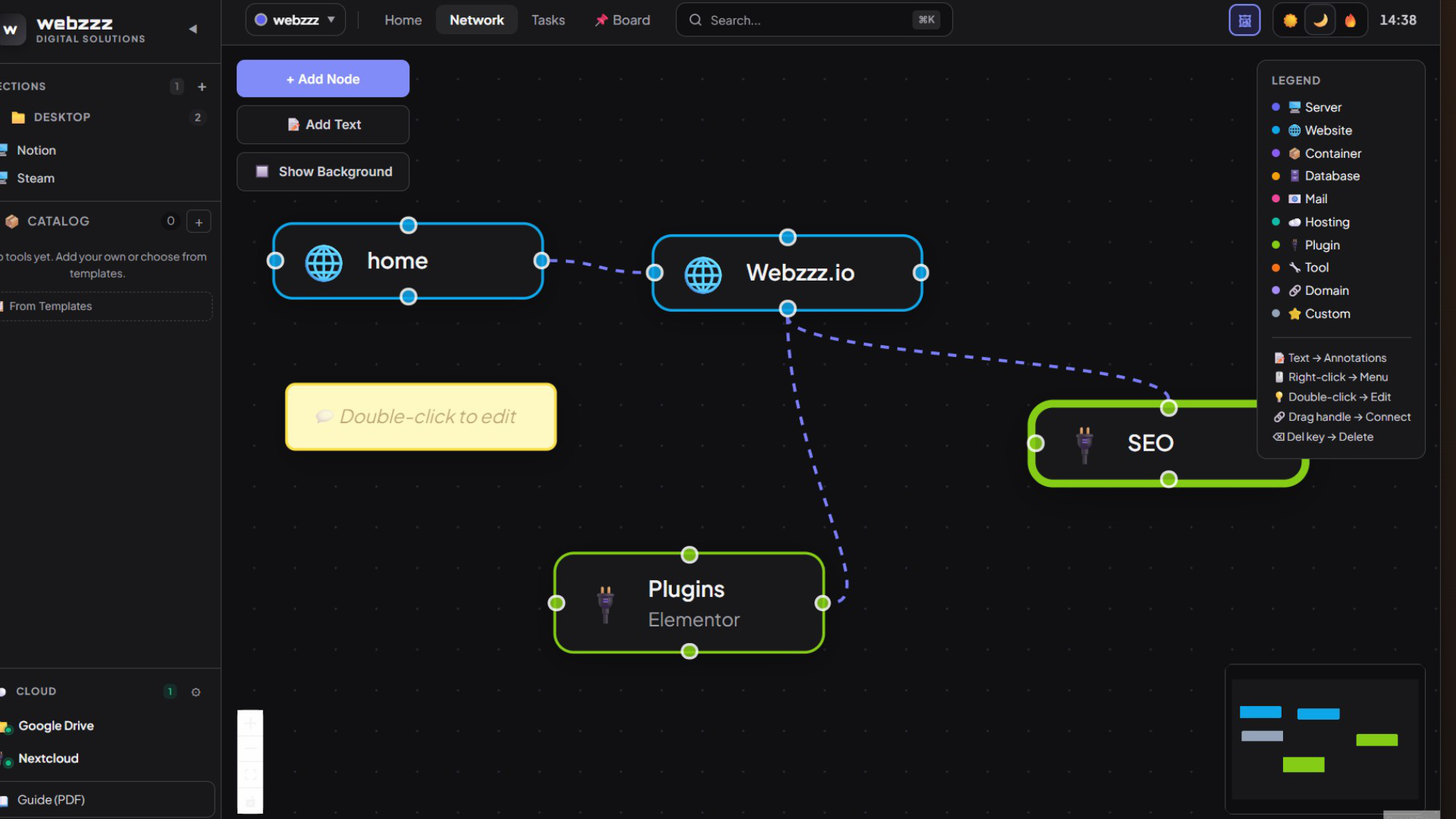
Dark Mode
🌙 Dark Mode
✦ NEW

📌 Board — your digital pinboard

Pin your own photos as Polaroids and colorful sticky notes freely on a corkboard — family memories, ideas, to-dos. Visible directly in Home view or on the dedicated Board page.

📌 Board NEW
🗓️ Monday Meeting
Discuss Q3 budget
Finish presentation
Send team update
🏔️
Holiday 2024
💡 Project Ideas
Dashboard redesign
Update API docs
Write tests
🌸
Family
🛒 Shopping
Milk · Bread · Cheese
Tomatoes · Pasta
Olive oil · Basil
🌅
Sunset
🎯 Goals 2025
Launch app ✅
Sport 3×/week
Read more books
🖱️
Drag & Drop
Freely position notes and photos anywhere on the canvas
🎨
7 Note Colors
Yellow, Pink, Blue, Green, Purple, Peach, Mint
🖼️
Polaroid Photos
Your own images as Polaroids — family, travel, inspiration
📋
Visible in Home
Pins shown as a strip directly in the main dashboard

Features

Everything webzzz organizes for you

Instead of hunting through dozens of programs, links and files — everything in clean projects and sections, always at your fingertips.

📌
Board NEW
Photos and notes freely on a corkboard — family pictures, to-dos, inspiration as Polaroids and colorful sticky notes.
🖥️
Desktop Manager NEW
Launch local apps, folders and shortcuts directly — with real icons. Your personal app launcher panel.
🖼️
Background Image NEW
Set your own photo as the desktop background — the entire window becomes your personal workspace.
📖
PDF Guide NEW
Export a complete user guide as PDF at the click of a button — all features documented.
🌐
Websites & Tools
All important links in sections with automatic favicon — one click opens the page.
📄
Documents
Store PDFs and images directly in the app and open them with a preview — no extra program needed.
Task Lists
Multiple color-coded lists, check off tasks, progress bar — the perfect overview of what needs doing.
🕸️
Network View
Visualize your infrastructure as an interactive diagram — servers, domains, databases, plugins.
🗂️
Multiple Projects
Work, Personal, Clients — each project with its own sections, board, tasks and network diagram.

Cloud Integration

All your cloud services in one place

Nextcloud with a real WebDAV connection — all other services via quick access directly in the sidebar.

🔌
Nextcloud
WebDAV connection
Native Integration
📁
Google Drive
drive.google.com
Quick Access
🟦
OneDrive
Microsoft Cloud
Quick Access
📦
Dropbox
dropbox.com
Quick Access
🍎
iCloud
icloud.com
Quick Access
🗄️
Box
box.com
Quick Access
🔗
Custom Service
Any URL
Freely configurable
🔌
Nextcloud — real integration
webzzz connects directly to your Nextcloud instance via WebDAV. Enter your server URL and credentials once — done. No browser tab needed, full access directly from the app.

How it works

webzzz is designed for anyone who wants to find websites, apps, folders, documents, tasks and ideas quickly — without endless searching. Everything structured, everything at hand.

1
Download & launch
Get the EXE free from GitHub. Double-click — ready immediately. No setup, no admin rights required.
2
Create projects & sections
Work, Personal, Clients — each project with its own sections like Tools, Links, Documents.
3
Add your content
Websites, apps, documents, notes, folders and cloud services — everything in one place.
4
Fill your Board
Hang photos, stick colorful notes — personal, beautiful and always visible.

Local storage.
More privacy.

webzzz stores all data locally on your computer — no server, no cloud sync, no tracking. Your organizer data lives in the local AppData folder and stays completely under your control.

🔒

Start for free today

Portable Windows App · No registration · No cost · Open Source on GitHub